PROJECT SUMMARY
Making everyday recycling easier
Recycling is not always straightforward. For Los Angeles residents, uncertainty about which materials can be recycled, how to sort them, and where to take them can make the process frustrating. ReLife is a mobile app concept designed to bring sorting guidance and information about nearby recycling centers into one place, helping users make more informed decisions.
SURVEY FINDINGS
 36%
36%of 50 respondents agreed that
they recycle often.
 54%
54%of 50 respondents strongly agreed that
recycling should be mandatory.
 40%
40%of 50 respondents agreed they see
recyclables in regular trash bins.
HYPOTHESIS
A clearer way to recycle
Our hypothesis was that combining material-sorting guidance with nearby drop-off information in one app could help Los Angeles residents recycle with more confidence and potentially reduce recycling contamination. We designed ReLife around those two everyday needs. User testing would help determine whether the experience is clear, useful, and practical enough to support regular use.
Why ReLife? The name speaks to giving everyday materials a second life. By helping people identify recyclable items and find appropriate places to take them, the app reframes discarded objects as resources that may have another purpose.
PERSONAS
“Between classes and work, I don’t always have time to sort my recycling.”
Sabrina, 19
Sabrina lives in a small Los Angeles apartment while juggling classes and a part-time job. With a busy schedule, she needs a quick, reliable way to sort her recycling.
Needs
- Quick guidance on which recycling bin to use
- An easy sorting tool that fits her busy schedule
Pain
Points
- Gets confused about what goes in each bin
- Runs out of time to sort items before collection day

“I wish it were easier to find out what each recycling center accepts.”
Jack, 22
Jack is a full-time student who collects recyclables to earn extra money and help the environment. He often struggles to find nearby centers that accept the materials he gathers.
Needs
- Clear information on which materials are recyclable
- A nearby drop-off finder showing accepted items
Pain
Points
- Spends too much time checking what each center accepts
User Flow
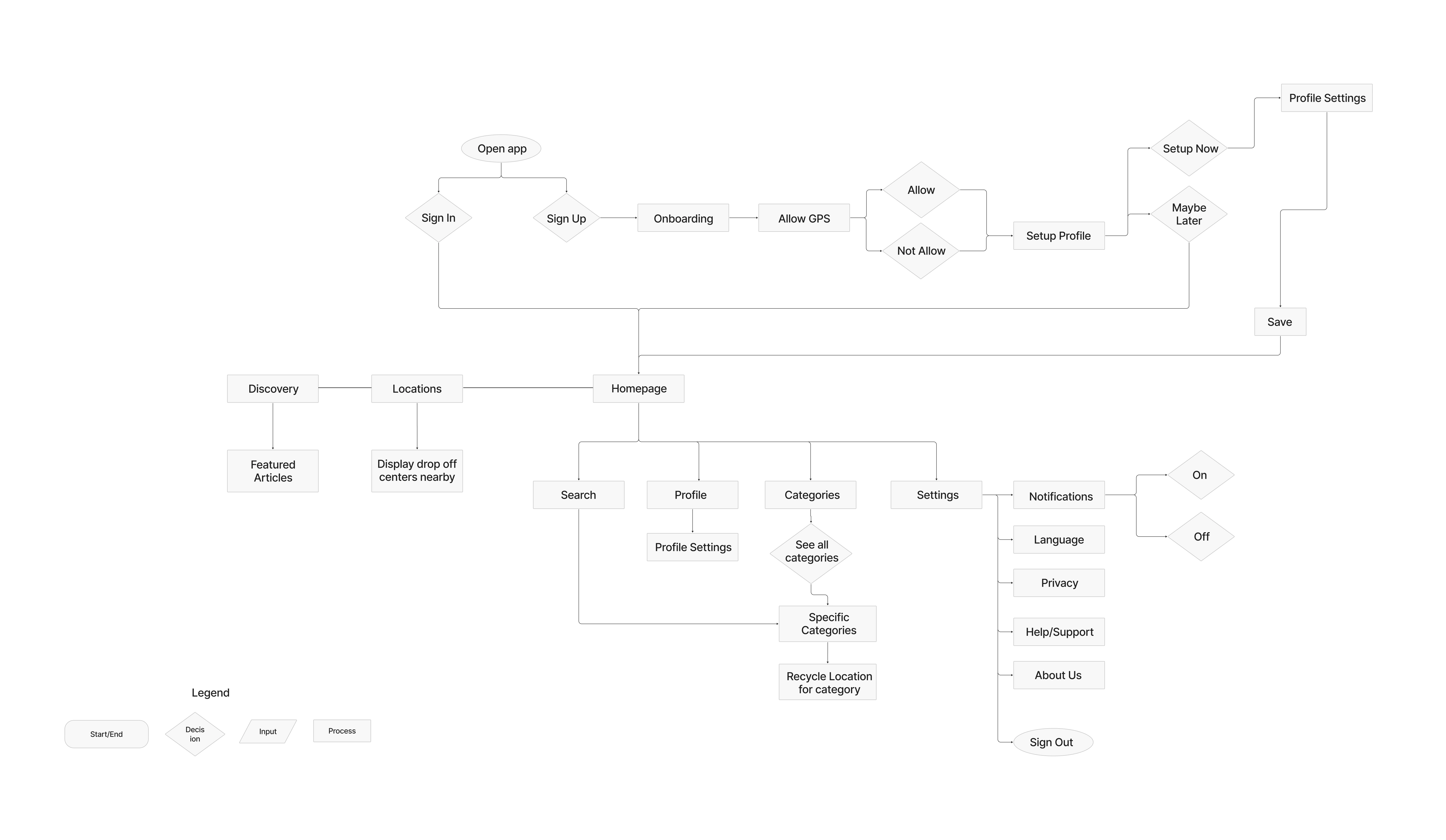
The user flow centers on two practical questions: “How do I sort this?” and “Where can I take it?” Users can browse material categories for sorting guidance, then look for recycling centers and check which materials they accept. Bringing these steps together was intended to reduce guesswork for people who are new to recycling or want a more convenient routine.
Style Tile
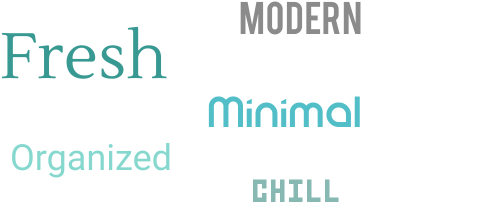
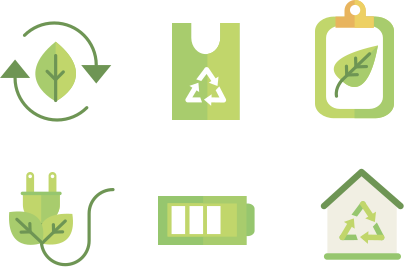
ReLife's visual direction balances a fresh, approachable feel with a clean, organized interface. Teal and green reference sustainability without overwhelming the screens. A distinctive display typeface adds personality, while a simple sans serif keeps instructions and body copy readable.
Logos
Typography
.svg)
Adjectives
Buttons
.svg)
Color
.svg)
Pattern

Iconography
Mid-Fi Wireframes
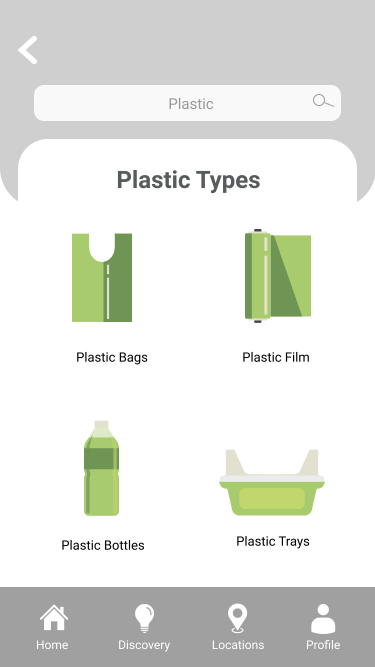
The mid-fidelity wireframes prioritize ReLife’s core task: helping users identify and sort everyday materials. We organized the screens around clear navigation and straightforward content groupings, allowing users to move from a material category to more specific guidance. Rounded components and consistent spacing give the interface a friendly, modern feel without distracting from the task.
Hi-Fi Wireframes
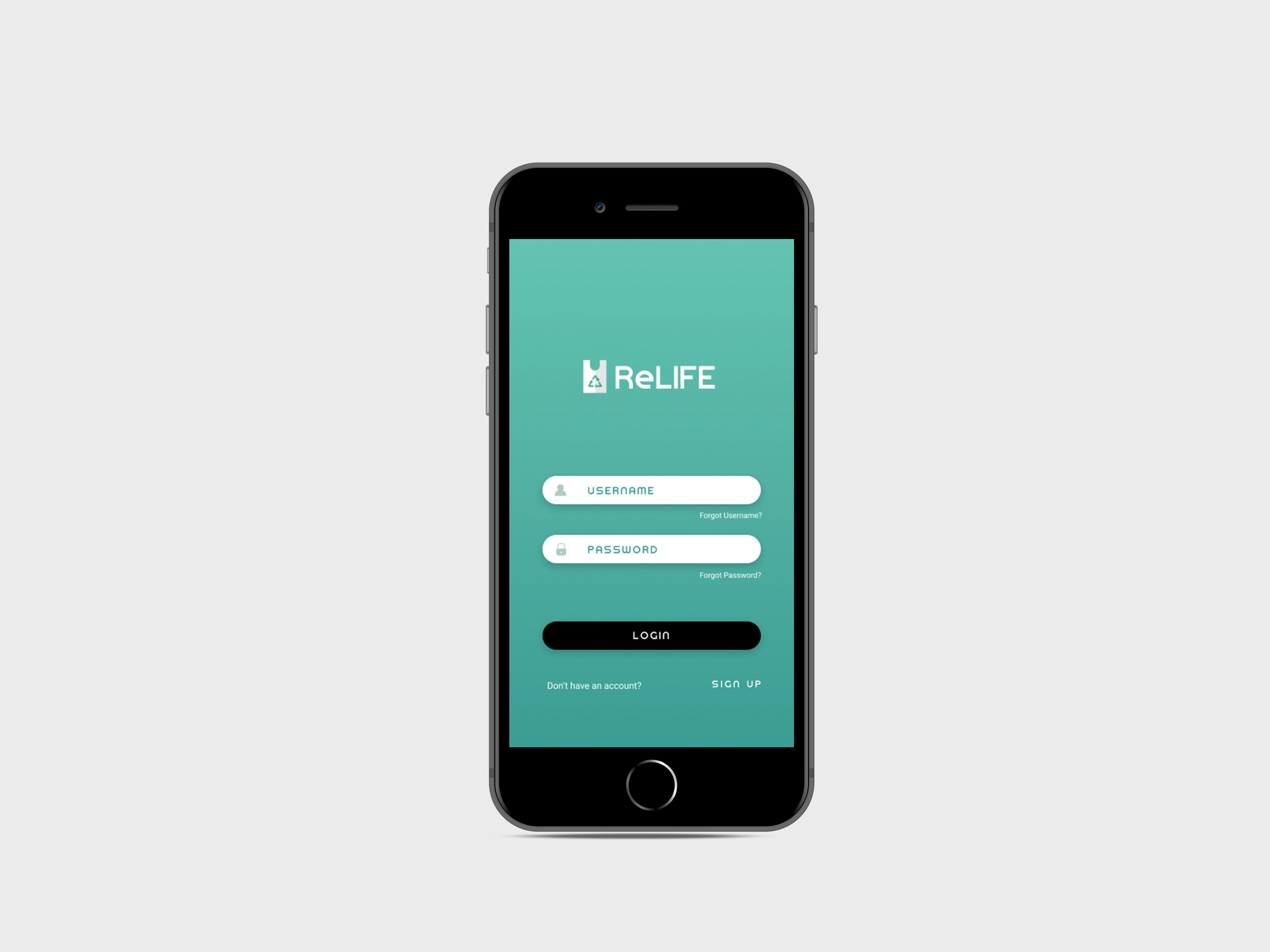
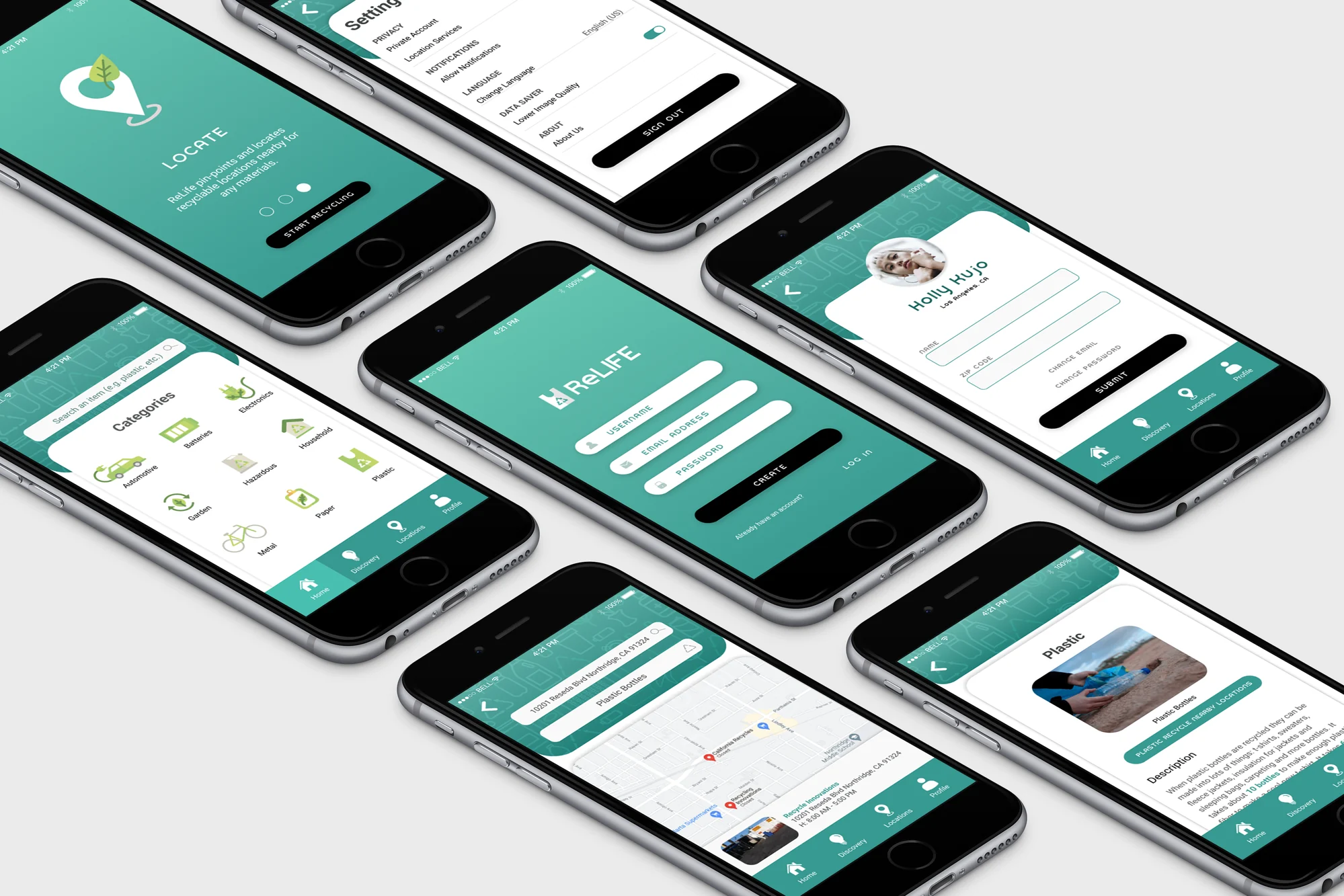
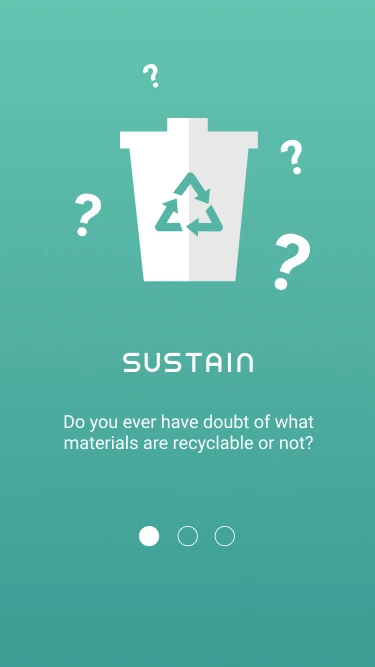
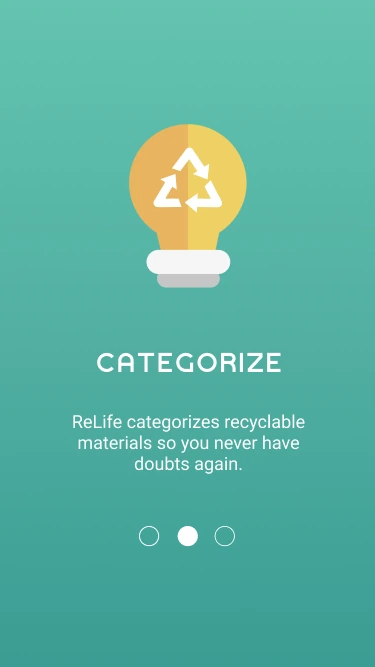
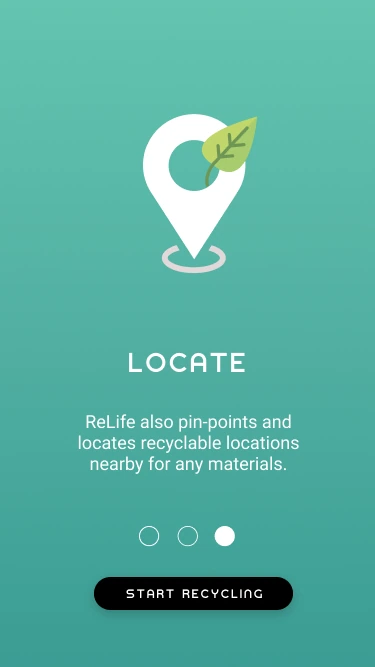
In the high-fidelity designs, we applied the style tile consistently across typography, color, buttons, and navigation to create a cohesive experience. We also considered color contrast and text legibility so the interface would remain easy to scan. Accessibility and usability would need further evaluation through testing.
Next Steps
- Develop the map and location-based search experience further
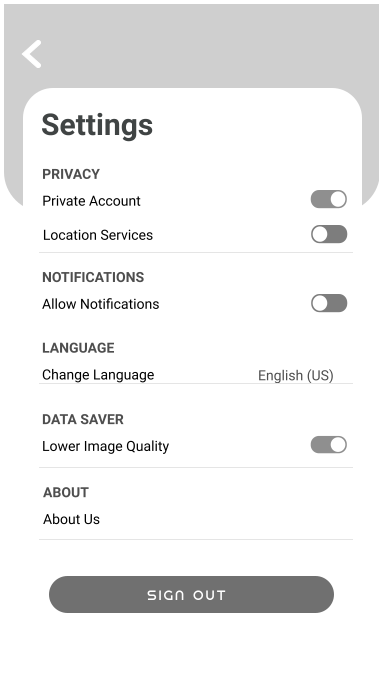
- Expand Settings with clearer controls and notification preferences
- Add filters to Discovery so users can find articles, tips, and other practical resources
- Complete the sorting flows for the remaining material categories
- Test key tasks with users and refine the design based on their feedback

.svg)
.svg)
.svg)
.svg)
.svg)
.svg)
.svg)
.svg)
.svg)
.svg)
-fast-v21.webp)